
Joomla website is failing Google Search Console’s Mobile Usability checks with multiple pages marked as “Page isn’t usable on mobile“. Specifically, the errors are “Clickable elements too close together” and “Text too small to read“.
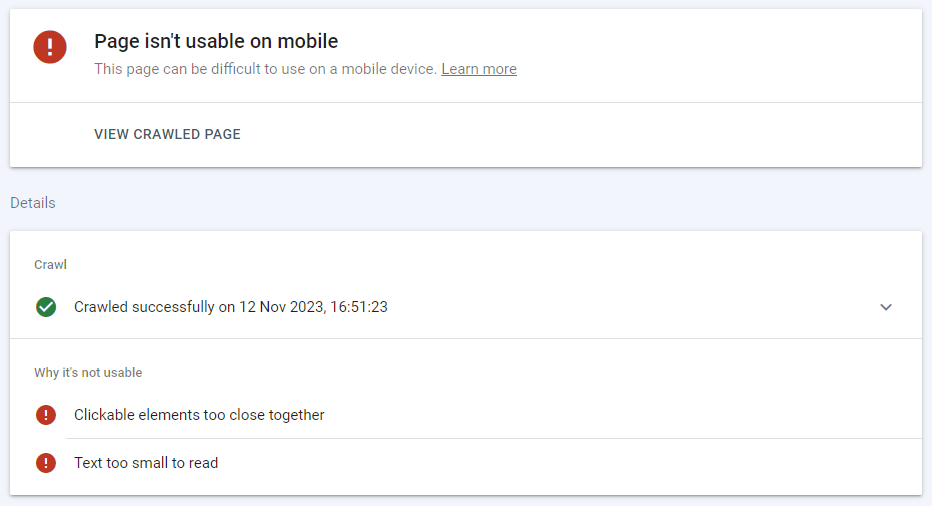
Visually I couldn’t identify any issues with website rendering on a mobile device.
Doing a Live Test on one of the affected pages in the Google Search Console > Mobile Usability revealed the actual cause. The Screenshot tab was showing the webpage without any CSS (Cascading Style Sheets) applied to the page. This made the mobile menu broken with menu items very close together and also in a very small font. More Info > Page Resources section made it clear why Google crawler couldn’t pull the CSS stylesheet.
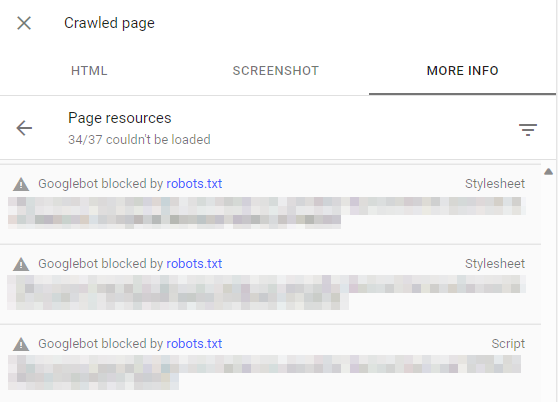
A lot of website resources were blocked from Googlebot by the robots.txt file. That included some of the website’s CSS stylesheets and JS script files.
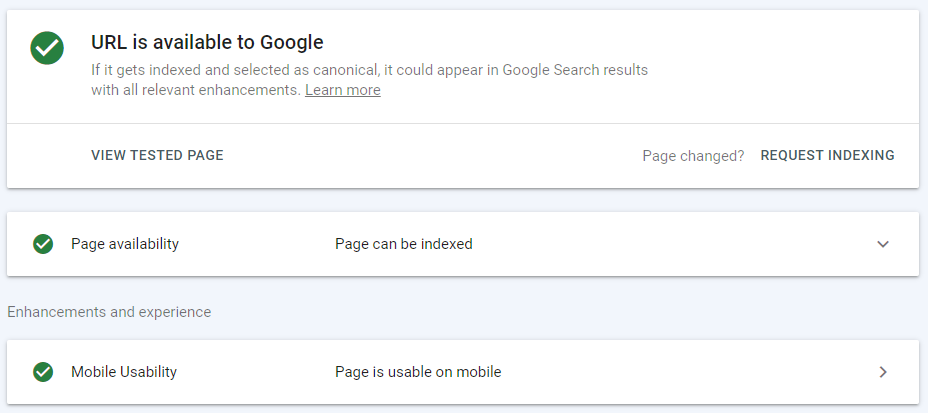
After removing the following two lines from robots.txt, the issue was resolved.
- Disallow: /media/
- Disallow: /*?*
November 2023
Google Search Console
Joomla v4.4.0
Leave a Reply